
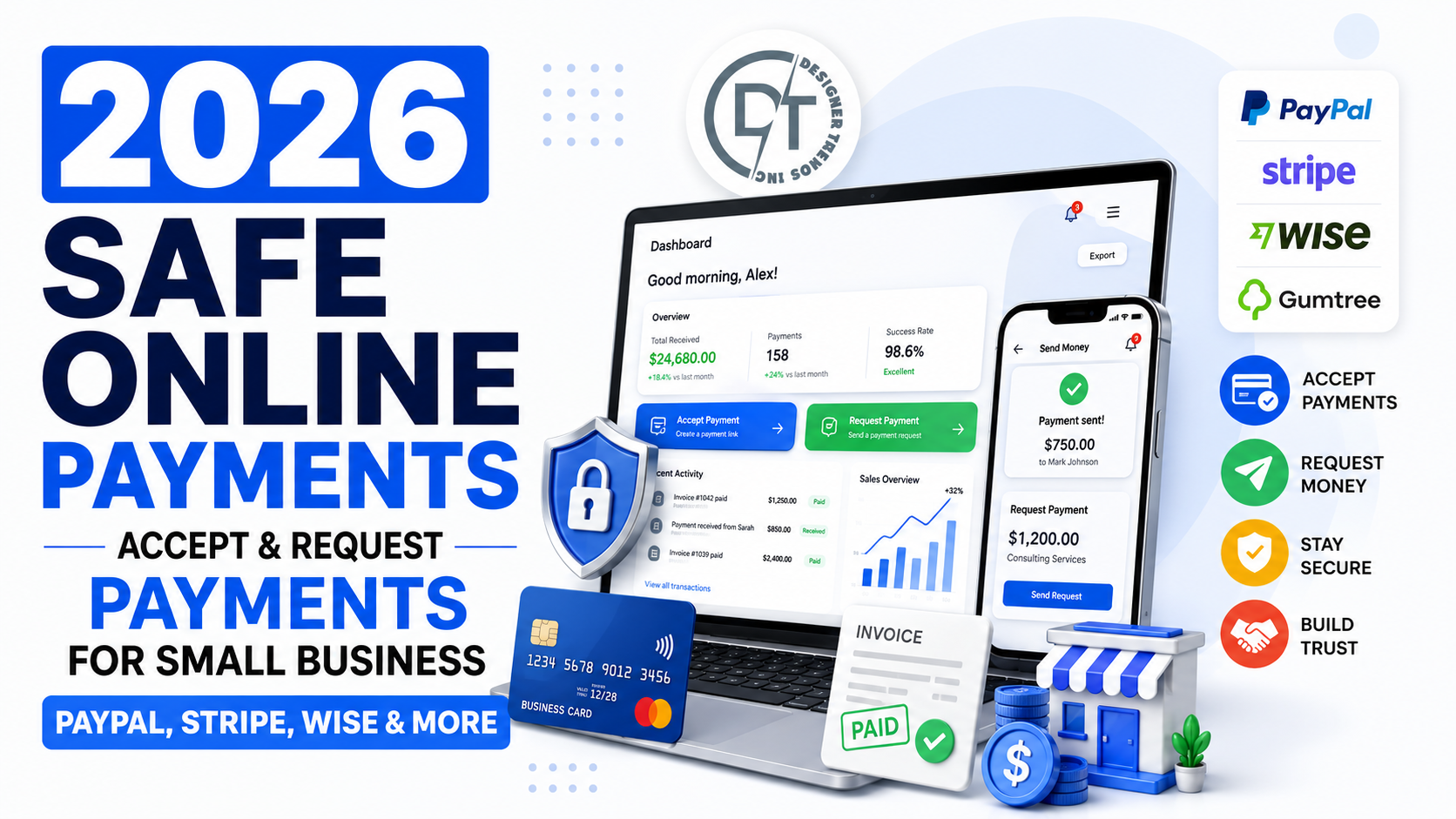
How to Accept & Request Payments Safely Online as a Small Business in 2026
Accepting online payments is easier than ever in 2026, but safer does not mean automatic. Small businesses now collect money through PayPal, Stripe, Wise, marketplace tools, invoices, payment links, QR codes, bank transfers, card readers, and local selling platforms like Gumtree. Each option can work well, but each one also has different risks around scams, chargebacks, fake confirmations, account holds, delivery proof, and customer disputes.
This guide explains how to request and accept payments safely online as a small business, including practical advice for PayPal, Gumtree, Stripe, Wise, and direct bank-style payments. It is written for sellers, service providers, local businesses, consultants, ecommerce brands, and marketplace users who want to get paid without exposing their business to avoidable fraud.
2026 Safe Payment Rule
Why Payment Safety Matters More in 2026
Small businesses are selling across more channels than before. A customer might discover you on Facebook, ask questions by email, request a PayPal invoice, pay through Stripe Checkout, ask for a Wise transfer, or meet you through Gumtree. That flexibility is good for sales, but it creates a larger attack surface. Scammers exploit urgency, fake payment confirmations, overpayments, refund pressure, phishing links, and off-platform conversations.
The safest businesses do not rely on trust alone. They create a payment process that is repeatable: quote, invoice, verified payment, delivery or service confirmation, customer receipt, and record keeping. When the same process happens every time, scams become easier to spot.
Choose the Right Payment Method for the Job
No payment platform is perfect for every scenario. A local furniture sale is different from a subscription business, a design invoice, a digital download, or an international wholesale order. The safest method depends on what you sell, where the customer is located, how delivery happens, and how much dispute protection you need.
| Platform | Best for | Main safety habit |
|---|---|---|
| PayPal | Invoices, ecommerce, marketplace payments, QR code sales | Use Goods and Services or business tools, then verify payment in PayPal before shipping. |
| Stripe | Online stores, checkout pages, subscriptions, card payments | Use hosted checkout, strong authentication, fraud tools, and clear refund policies. |
| Wise Business | International invoices, local account details, multi-currency payments | Share official account details or payment links and reconcile received funds before delivery. |
| Gumtree | Local marketplace sales and eligible delivery items | Keep communication on-platform and avoid Friends and Family for commercial purchases. |
PayPal: Safe Ways to Request and Accept Payments
PayPal remains popular for small businesses because it is familiar, fast, and widely used by buyers. For business transactions, use PayPal business tools, invoices, checkout integrations, Goods and Services payments, or QR code payments where appropriate. PayPal's Seller Protection terms, updated in January 2026 for the U.S. legal hub, describe eligibility rules and protections for certain claims, including unauthorized transactions and item-not-received claims when requirements are met.
Do not assume every PayPal payment is automatically protected. Check whether the transaction is eligible, ship to the address shown in the transaction details when required, keep tracking information, and avoid sending goods based only on a screenshot. A common scam is a fake PayPal email that says money is pending until you provide tracking or pay an upgrade fee. Always log directly into PayPal to confirm the money and transaction status.
If you sell on Gumtree or similar marketplaces, review our related guide: How to Safely Request PayPal Payments on Gumtree in 2026.
Gumtree: Local Payment Safety for Sellers
Gumtree transactions often involve local buyers, in-person pickup, or delivery for eligible categories. Gumtree's own safety guidance warns users to be cautious with payment requests outside supported categories and says PayPal Friends and Family is not recommended for buying and selling because it skips protections. Gumtree also warns about PayPal scams such as fake confirmations, overpayment claims, and pressure to refund before funds are verified.
For local sales, meet in a safe public place when possible, do not release the item before payment is confirmed, and be careful with buyers who want to move immediately to email, text, or WhatsApp. If delivery is enabled through Gumtree for eligible items, follow the platform's supported payment flow rather than a random link sent by the other party.
Stripe: Safer Card Payments for Online Businesses
Stripe is often the better fit for ecommerce stores, service businesses with card checkout, recurring subscriptions, deposits, and embedded payment flows. Stripe's official security documentation describes security as a core design principle and highlights features that help businesses protect Stripe data. Stripe also offers fraud tooling such as Radar, which uses risk signals and rules to help identify suspicious transactions before they become losses.
Small businesses should use hosted payment pages or well-maintained integrations whenever possible. Avoid collecting card numbers manually through email, chat, or spreadsheets. Use clear product descriptions, tax and shipping details, refund terms, and customer receipts. For higher-risk orders, review mismatched billing and shipping details, unusual order size, new customer behavior, failed payment attempts, and requests to use freight forwarders.
Wise Business: International Payments and Local Account Details
Wise Business can be useful when you invoice international customers or need local account details in multiple currencies. Wise says business users can receive international payments using local account details, request money with payment links, track payments, convert at the mid-market rate, and hold or move money across many currencies. Wise also explains that customer funds are safeguarded according to regulatory requirements.
Wise is not the same as card checkout, and it may not fit every retail sale. It is often strongest for invoices, contractors, B2B services, overseas customers, and international suppliers. The safety habit is reconciliation: do not mark an invoice paid until the transfer appears in your Wise account or business bank account, and make sure the sender name and invoice reference make sense.
Bank Transfers, Zelle-Style Payments, and Payment Links
Direct transfers can be convenient, but they may offer fewer seller or buyer dispute tools than platforms built for commerce. Payment links are useful when they come from your official PayPal, Stripe, Wise, or banking dashboard. They are risky when someone else sends you a link and claims you must log in, upgrade your account, pay a fee, or verify a fake deposit.
Small businesses should use branded invoices and official payment links. Never ask customers to send money to random personal accounts unless that is an intentional business policy and you understand the record-keeping and tax implications. Keep your business name consistent across invoices, bank details, and payment confirmations so customers know they are paying the right entity.
Payment risk checklist
Common Online Payment Scams in 2026
Fake payment confirmation emails
A scammer sends an email that looks like PayPal, Stripe, Wise, or a bank. The message says payment was sent, but the money is not in your official dashboard. Do not ship or refund based on email alone.
Overpayment scams
A buyer claims to have overpaid and asks you to refund the difference. Sometimes the original payment is fake, stolen, reversible, or never received. Verify funds first and refund only through the original platform when appropriate.
Account upgrade fee scams
A fake message claims you need to pay to upgrade your account before receiving money. Legitimate platforms do not require you to send money to a buyer to unlock a payment.
Off-platform pressure
Scammers try to move conversations away from marketplaces because platform messages create evidence and may include fraud detection. Keep important details on-platform whenever possible.
Shipping address changes
A buyer pays through one address but asks you to ship somewhere else by message. This can weaken seller protection. Follow the platform's transaction details and protection requirements.
Create a Safe Payment Workflow
A simple workflow protects your business better than improvising every transaction. Use a quote or product page, send an invoice or checkout link from your official account, wait for verified payment, deliver with proof, send a receipt, and document the transaction. If you sell services, define deposits, milestones, refund rules, and approval points before work begins.
For physical products, use tracked shipping for higher-value items and keep proof of delivery. For digital products or services, keep project approvals, access logs, delivery emails, signed contracts, or completion notes. If a dispute happens, organized evidence is often the difference between a quick resolution and a costly chargeback.
Security Settings Every Small Business Should Enable
- Turn on two-factor authentication for PayPal, Stripe, Wise, email, bank accounts, and marketplaces.
- Use unique passwords stored in a password manager.
- Limit who can issue refunds, change bank details, or export customer data.
- Review connected apps, API keys, and old staff accounts regularly.
- Set up transaction alerts for large payments, refunds, failed payments, and account changes.
- Use a dedicated business email for payment accounts.
- Check payment links and login URLs before entering credentials.
- Keep tax, invoice, and customer records organized for accounting.
When to Use Each Platform
Use PayPal when buyers expect it, when you need familiar invoice tools, or when marketplace customers prefer PayPal Goods and Services. Use Stripe when you need a professional online checkout, card processing, subscriptions, or ecommerce integration. Use Wise Business when international invoices and multi-currency account details matter. Use Gumtree's supported payment options or verified in-person payment routines for local classified sales.
The key is not to offer every method everywhere. Offer the payment methods that match the risk and workflow of each sale. A clear, limited set of trusted options is safer than a confusing list of personal accounts, random links, and ad hoc exceptions.
Frequently Asked Questions
What is the safest way for a small business to accept payments online?
The safest method depends on the sale. For ecommerce, hosted checkout through a provider like Stripe or PayPal is often safer. For invoices, PayPal, Stripe invoices, Wise Business, or bank-backed payment links can work well when verified directly in the official dashboard.
Is PayPal Friends and Family safe for business sales?
No. It is intended for personal transfers, not commercial transactions. Gumtree specifically advises against using Friends and Family for buying and selling because it skips protections.
Should I trust a payment screenshot?
No. Screenshots are easy to fake. Always confirm funds in your official PayPal, Stripe, Wise, bank, or marketplace account.
How do I reduce chargebacks?
Use clear product descriptions, transparent refund policies, order confirmations, tracking, delivery proof, responsive customer support, and fraud review for suspicious orders.
Can Wise replace PayPal or Stripe?
Wise can be excellent for international invoices and transfers, but it is not always a replacement for card checkout, ecommerce payments, or marketplace buyer workflows.
Sources and Final Thoughts
This guide references official information from PayPal Seller Protection, Gumtree payment safety, Gumtree PayPal scam guidance, Stripe security documentation, Stripe payments, and Wise Business receive money.
Safe online payments in 2026 come down to verification, documentation, and consistency. Pick the right platform for the transaction, confirm every payment in the official dashboard, keep proof, and be willing to pause any sale that feels rushed, confusing, or too good to be true.
Join the Discussion
Comments (0)
No comments yet. Be the first to share your thoughts!